Click to download now, finish the installation quickly, and directly unlock the all-round experience
Screenshots

Click to download now, finish the installation quickly, and directly unlock the all-round experience
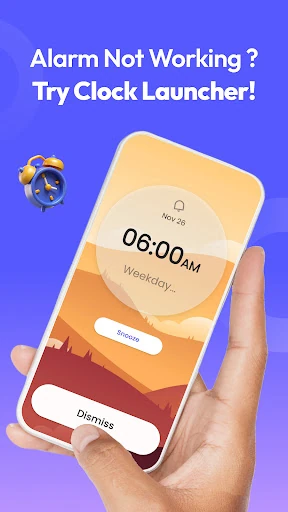
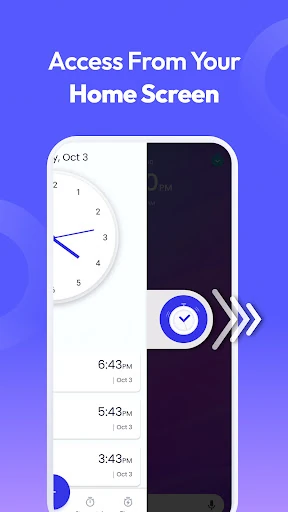
Alarm Clock Launcher combines a home screen launcher with everyday time-management tools. It suits anyone who wants quick access to alarms, timers, reminders, a stopwatch, and clocks for cities around the world. A swipe from the home screen can open these functions without searching through a crowded app list.
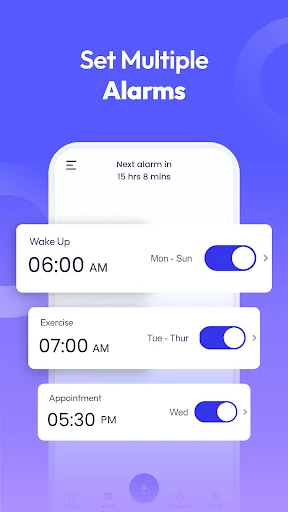
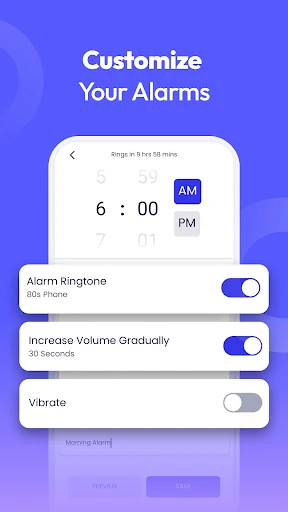
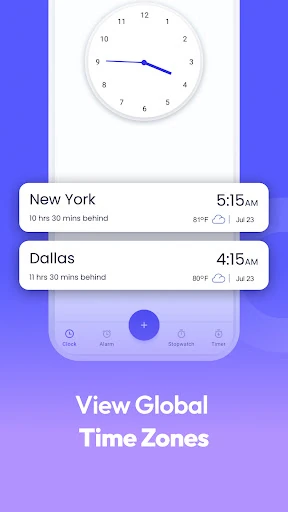
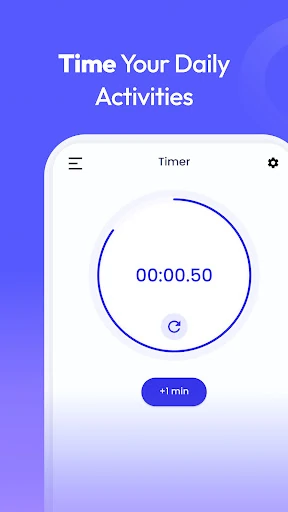
Use the alarm clock for regular wake-up routines or one-off alerts, with repeat options for selected days. The world clock helps you check local time in other cities, which is useful for travel, remote work, and international calls. Timers, reminders, and a stopwatch cover shorter tasks, appointments, and activity tracking.
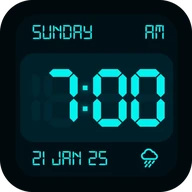
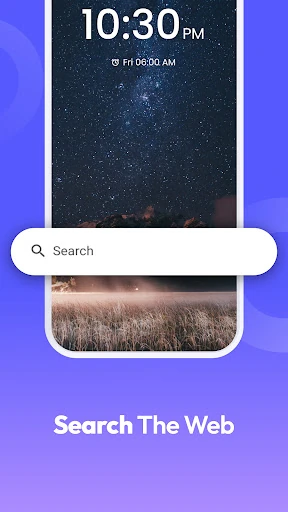
The app can add a dedicated home screen experience, including a clock-focused widget that may show time and weather. It also offers clock-themed wallpapers and shortcuts to its main tools. Search is available for installed apps and the web, giving you another way to reach content from the launcher.
Because Alarm Clock Launcher works as a launcher, your home screen layout may change after setup. Your installed apps remain on the device, but their positions or the way you access them may be different. This makes the app a better fit for users who are comfortable replacing their current home screen with a time-centered layout.