
Crop, Trim Video Editor
Eco Mobile Editor
Downloads
500,000+
Version
Latest
Click to download now, finish the installation quickly, and directly unlock the all-round experience
Screenshots
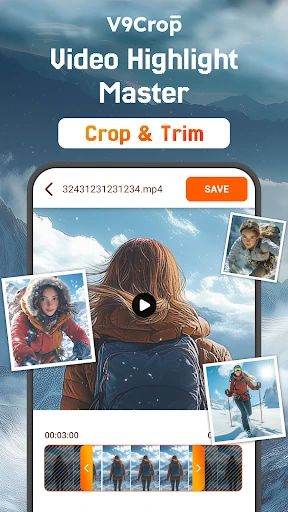
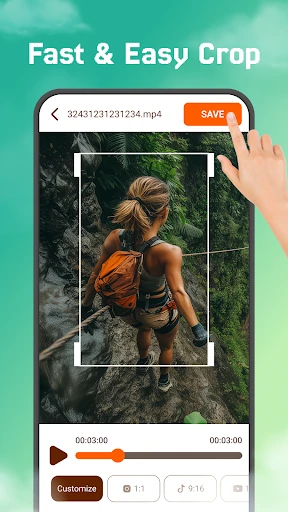
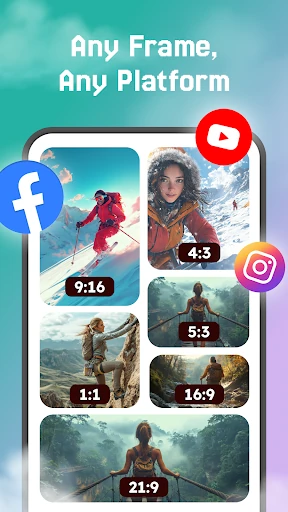

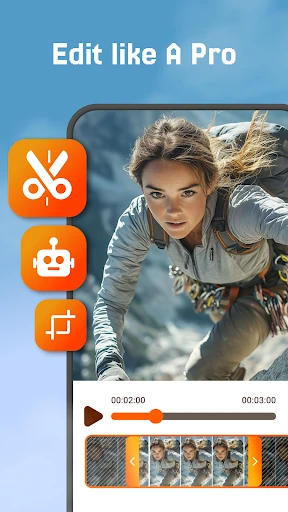
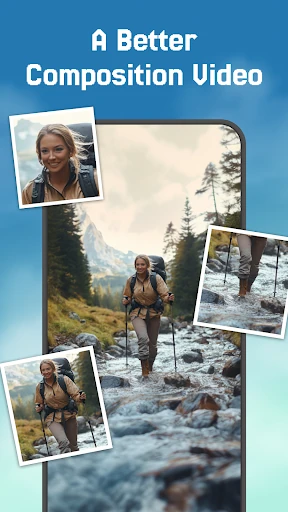

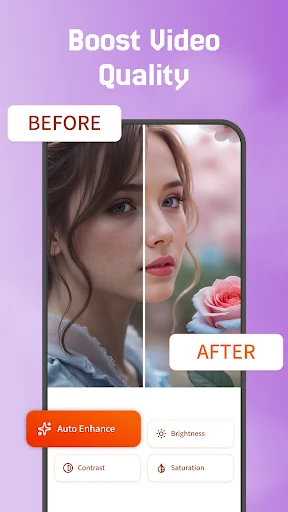
Click to download now, finish the installation quickly, and directly unlock the all-round experience
Crop, Trim Video Editor is a focused Android tool for changing the shape and length of video clips. It lets users crop unwanted areas from the frame and trim footage down to the section they want to keep. This makes it suitable for quick edits before sharing a clip, saving it, or using it in another project.
The app is aimed at people who do not need a full production suite. If a video has extra footage at the beginning or end, or the subject is not positioned well within the frame, its core tools cover those basic corrections without adding unrelated editing tasks. It can also help prepare footage for different screen layouts by changing how much of the original frame remains visible.
Crop, Trim Video Editor is listed in the Video Players & Editors category and is developed by Eco Mobile Editor. It has a rating of 4.04 out of 5 from more than 13,000 reviews, with 500,000+ installs. Those figures suggest that the app has found an audience among Android users looking for a dedicated way to make basic changes to video clips.
This is a practical choice for casual editors, social media users, and anyone who needs to shorten or reframe a video without learning a complex editing system. Users seeking transitions, effects, multi-track editing, or broader creative controls may need a more feature-rich editor, but those looking for straightforward cropping and trimming should find the app’s purpose clear.