Click to download now, finish the installation quickly, and directly unlock the all-round experience
Screenshots
Click to download now, finish the installation quickly, and directly unlock the all-round experience
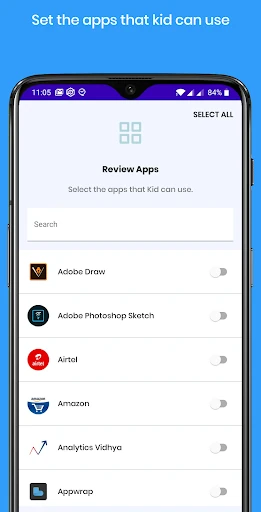
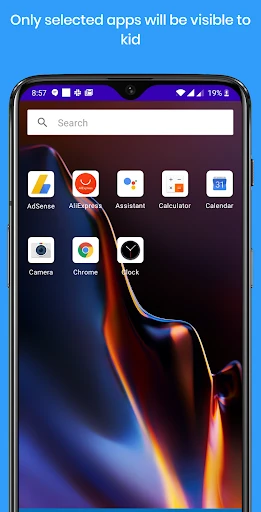
Kids Mode - Kids Lock App turns an Android phone or tablet into a more controlled space for children. Parents can choose which apps are available, helping prevent accidental access to private information, unwanted settings, or purchases. It is suited to families who want a simpler device experience for younger children without handing over unrestricted access.
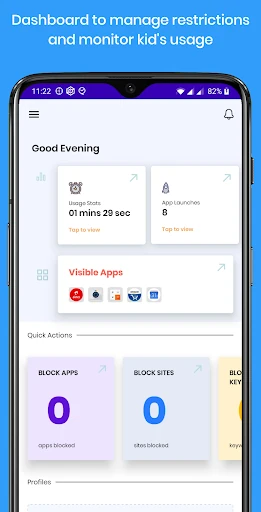
The app provides a child-focused launcher that displays approved apps instead of the device’s regular home screen. Parents can organize apps into restriction groups for different activities, such as learning or play. Time controls can be used to set daily limits, restrict use to certain periods, or limit how often an app is opened.
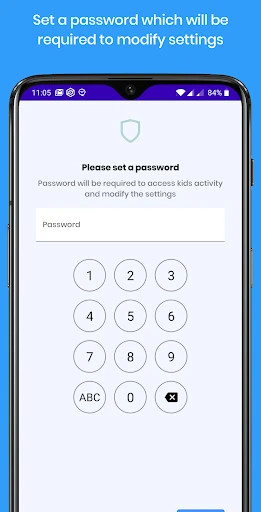
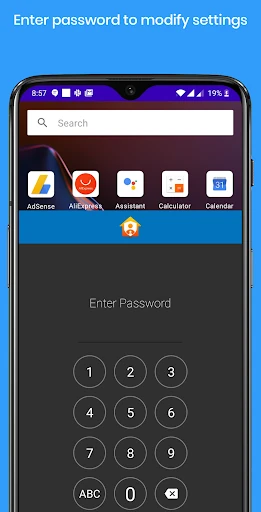
Kids Mode - Kids Lock App uses Android system permissions to keep the restricted environment active. Its protection can continue after the device restarts, and the app is intended to make it harder for a child to leave the approved area or remove the controls. Parents should review the permissions requested during setup and decide whether they are suitable for their device and family.
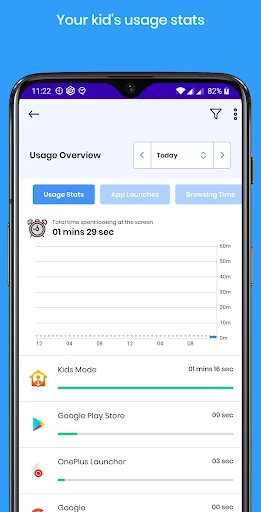
Developed by INNOXAPPS LLP, the app is listed in the Parenting category and has reached 100,000+ installs. Its current rating is 3.9 out of 5 from 1,820 reviews. The feature set is focused on supervised access, scheduled use, and visibility into how children use the device.