Click to download now, finish the installation quickly, and directly unlock the all-round experience
Screenshots
Click to download now, finish the installation quickly, and directly unlock the all-round experience
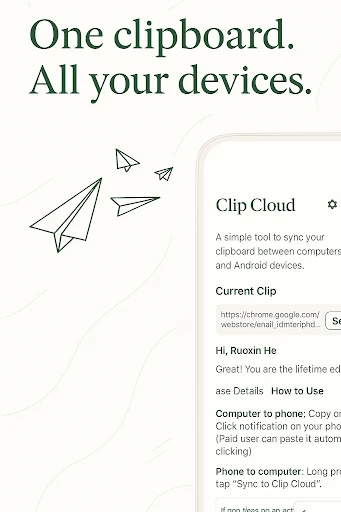
Clip Cloud - Clipboard Sync is a focused Android tool for moving copied text between devices. It suits people who regularly switch between an Android phone, an iPhone, and a desktop computer, especially when sending a snippet to yourself by email or messaging is inconvenient. Text can be copied between mobile devices and computers that use the Clip Cloud Chrome extension.
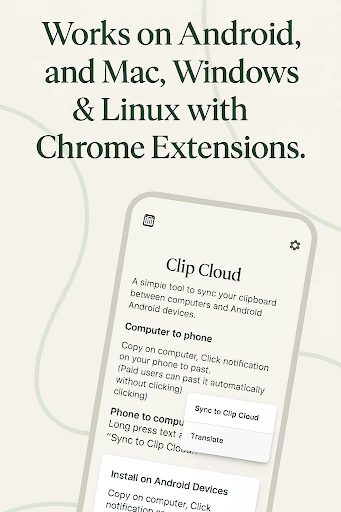
The app connects clipboard activity across supported devices and uses push delivery to send text with minimal interaction. On desktop, access is provided through a Chrome extension, which makes the service usable on Windows, Mac, and Linux systems where Chrome is available. The app is designed around quick transfers rather than a broad collection of editing or productivity tools.
Clipboard transfers are protected with AES encryption. Clip Cloud also keeps clipboard history locally, allowing you to find earlier copied snippets without relying on a cloud-stored history. This can be useful for recovering text copied a short time ago while keeping the app’s main purpose limited to clipboard management.