Click to download now, finish the installation quickly, and directly unlock the all-round experience
Screenshots

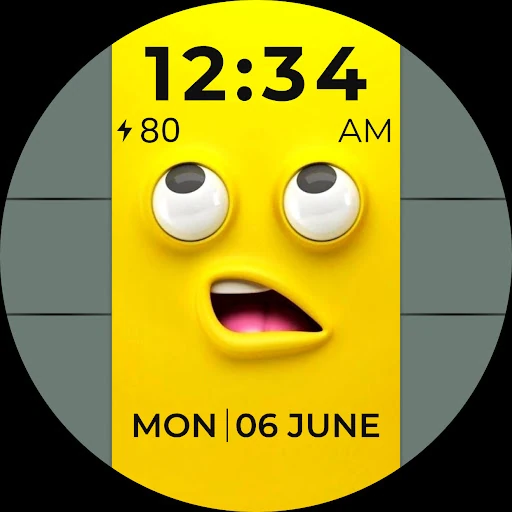

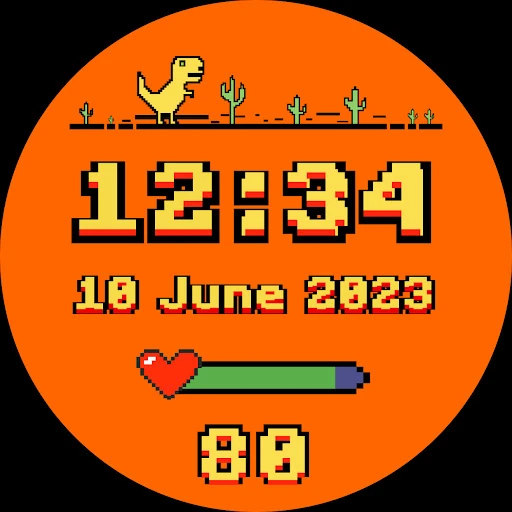
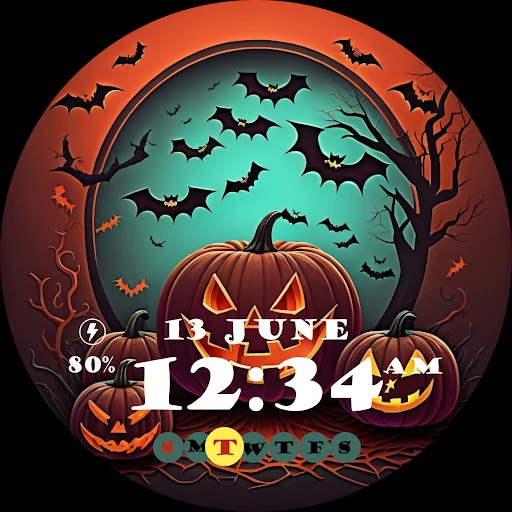
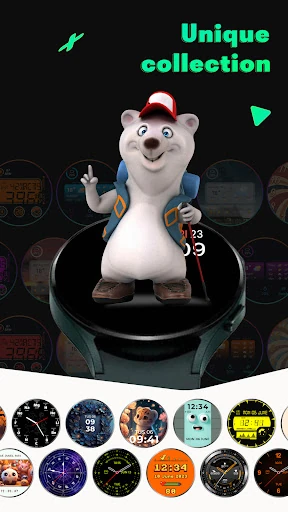
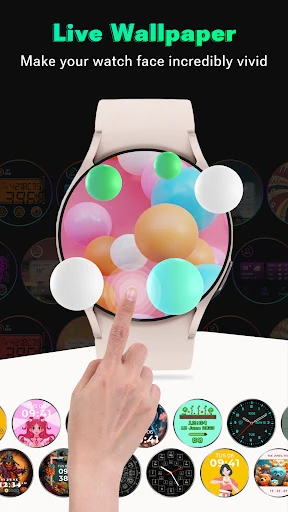
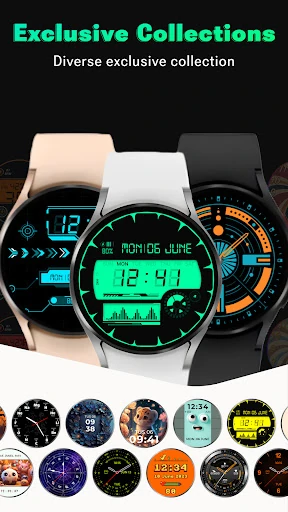
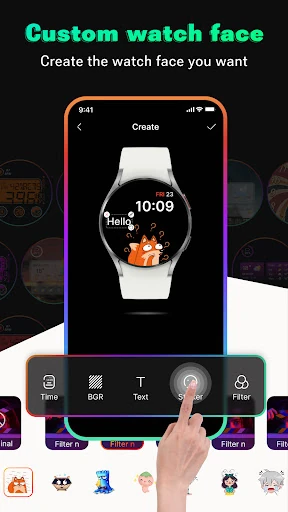
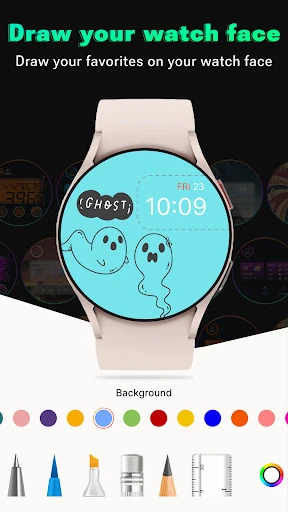
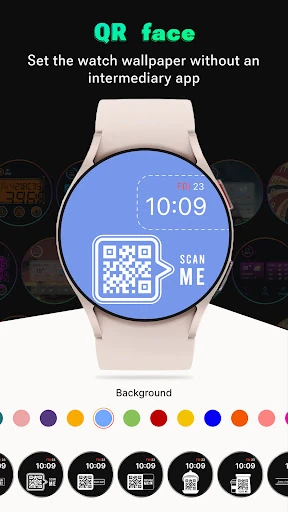
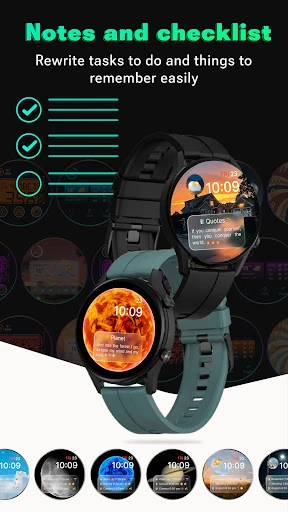
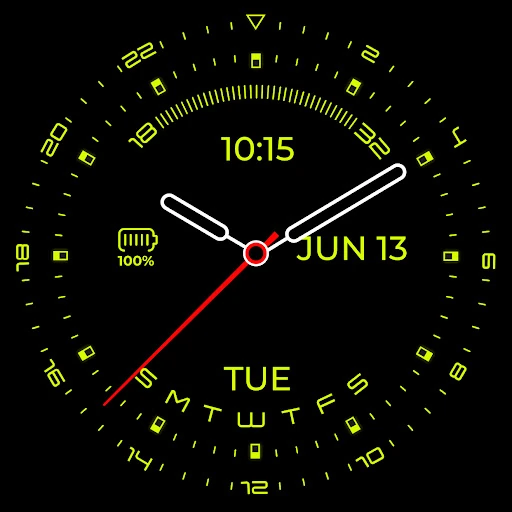
Click to download now, finish the installation quickly, and directly unlock the all-round experience
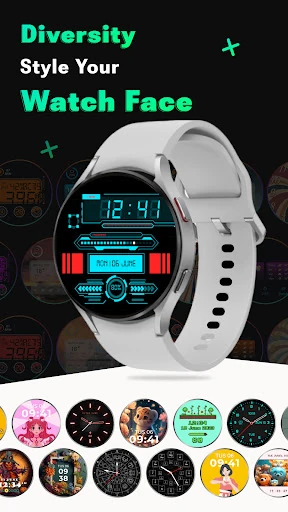
Smart Watch Faces Gallery App is a Tools app for Wear OS users who want more control over the look of their smartwatch. It is aimed especially at Samsung Galaxy Watch owners who want to browse alternative designs, use personal images, or create a face that feels less generic than the standard options.
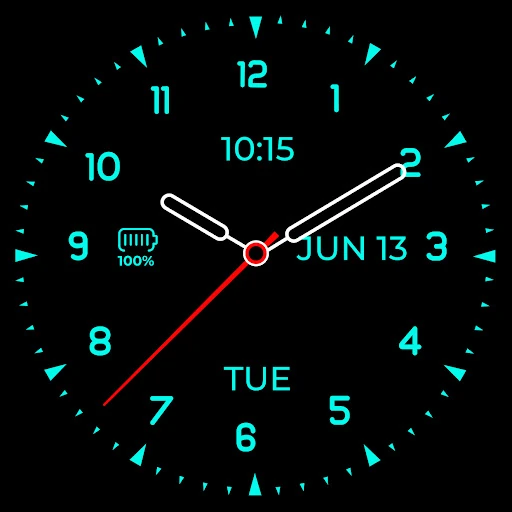
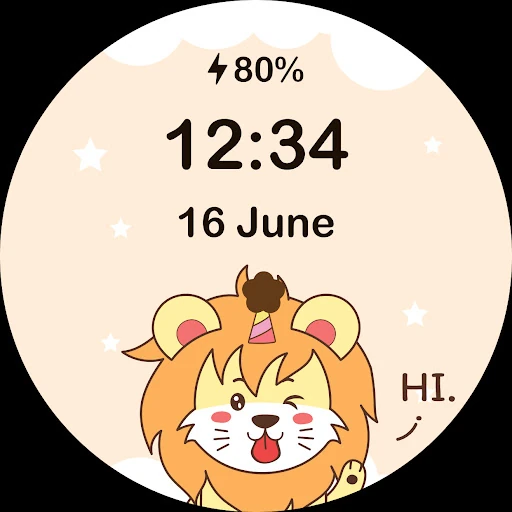
The app includes a gallery of more than 2,000 live wallpapers and watch-face styles. This gives users a broad selection to explore when they want to change the appearance of their watch. It also includes tools for building custom faces from the mobile app, rather than limiting users to ready-made designs.
The experience follows a simple browse, customize, and sync workflow. Designs are prepared on the phone and transferred to the connected smartwatch through Bluetooth or Wi-Fi. Some functions use a companion component on the watch, so the app is best suited to people who are comfortable linking both devices and following the setup guidance.
Smart Watch Faces Gallery App has a 4.29 rating from 3,844 reviews and has reached 100,000+ installs. It is published by CEM SOFTWARE LTD under the Tools category. The app is a practical choice for Wear OS users who value variety and want the option to make a watch face from their own photos instead of relying only on the default catalogue.